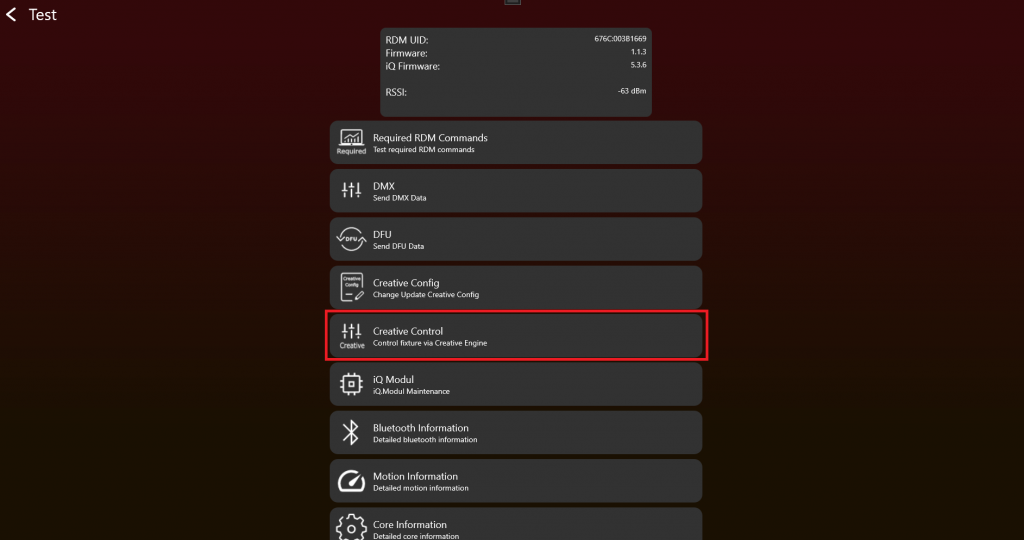
After enabling the Test Mode and connecting to the fixture it should look like this. To use Creative Control click on „Creative Control“:
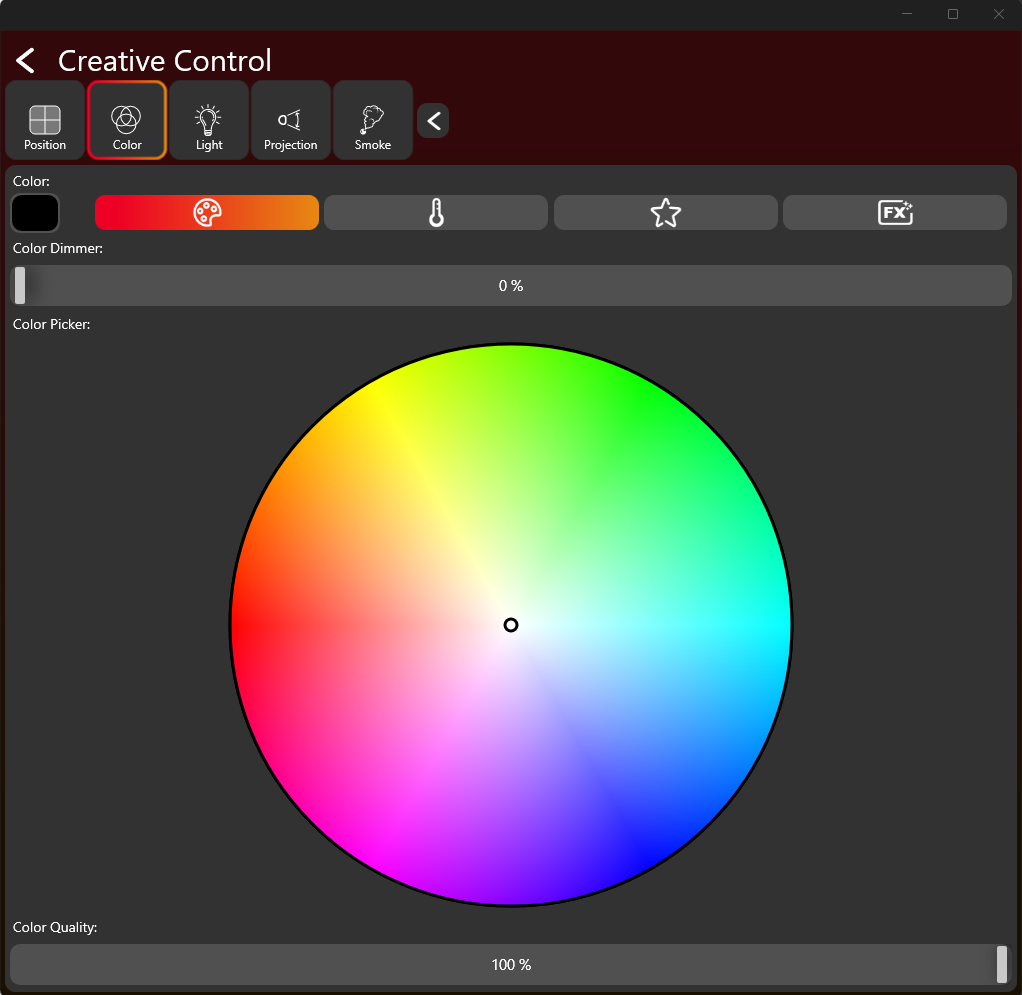
Your fixture should display only the supported components at the top. If you are able to control your fixture here, the Creative Configuration was set up correctly. If not, you will need to return to the Creative Configuration to resolve the issue.