Before creating a fixture let me introduce you to our concept. If you are a manufacturer who brands your fixtures for one or more customer please read this carefully:
RDM Manufacturer ID in combination with the Device Model ID is crucial for detecting the specific type of fixtures. We do not allow to change them after a release of a fixture. Changing would mean that possible fixture on the field would stop working because they don’t get recognized anymore. So especially these 2 values should stay the same over lifetime of the product. Of course, descriptions, images, website urls and names can be changed.
The following workflow is recommended:
1) Create a sample product
Create a fixture in your company and your naming scheme. That means also using your RDM Manufacturer and Device Model ID. This is the fixture you can use for showing to your customers. This fixture is not publicly shown in the app.
RDM Manufacturer: Your company Manufacturer Id
RDM Device Model Id: Your companys fixture depended Device Model Id
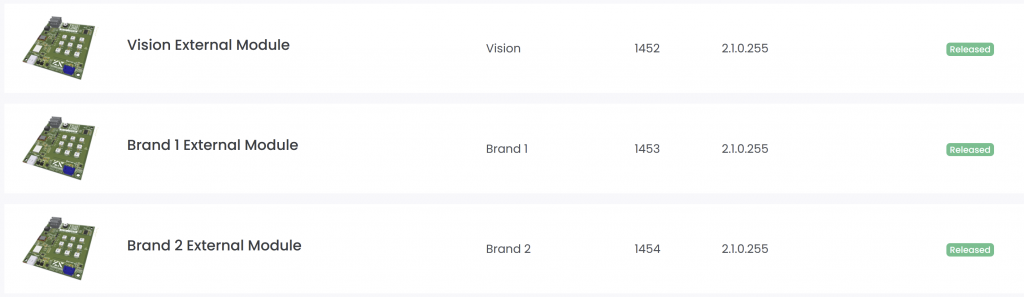
For example use the Vision Core Module:

If you finished your sample and it is working, you have to request an Release on the fixtures page. Otherwise the fixtures status is internal and only you can access it with your account.
2) Ship sample to customer
Everything is ready and it is releaed you ship it to the customer for testing. Customer then wants to buy a branded fixture. If they do not want to brand you can skip Step 3 and you are ready to sell.
3) Brand a Product
Now you modify your firmware to fit the customer requirements. You also change the rdm informations of the product to the brands information.
RDM Manufacturer: Brands Manufacturer Id
RDM Device Model Id: The brands fixture depended Device Model Id
Now you create another product on the server with the brands information.
After everything is finished you can share the access to the fixture to the brand.